Player handbook
Volleyball Legends Wiki
A fast route from your first serve to reliable team play: controls, court roles, core mechanics, and the systems worth learning first.
First match
Your Volleyball Legends quick start
Use this order to avoid spending early spins before you understand your preferred role.
Learn first touch
Stay grounded and click to bump. Your first job is making the ball playable, not forcing an attack.
Build a three-touch habit
Receive, set, spike. A controlled second touch creates more points than a desperate instant return.
Choose a role
Decide whether you enjoy finishing, setting, blocking, or saving before chasing a rare style.
Redeem current codes
At level 15, use the Shop code tab to collect free Lucky Spins for your first target style.
Input reference
Volleyball Legends controls
The same action button changes by context: ground click bumps, while a mid-air click spikes.
| Action | PC | Controller / mobile |
|---|---|---|
| Bump while grounded | Left click | RT / action tap |
| Spike while airborne | Left click | RT / action tap |
| Serve toss / strike | Left click | RT / action tap |
| Set while grounded | Q | LT / set button |
| Block while airborne | Q | LT / block button |
| Jump | Space | A / jump button |
| Dive | Ctrl | X / dive button |
| Open menu | M | Menu icon |
Team structure
Pick a court role before a style
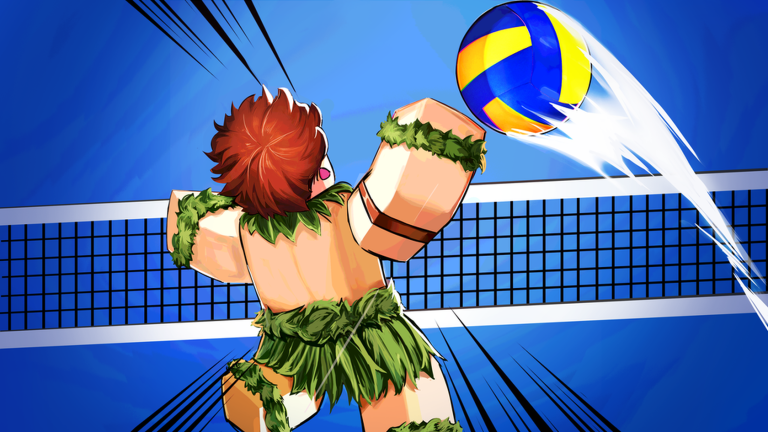
Spiker
Converts sets into points. Prioritize jump, spike, tilt control, and fast reads against the block.
Start with Sanju →Setter
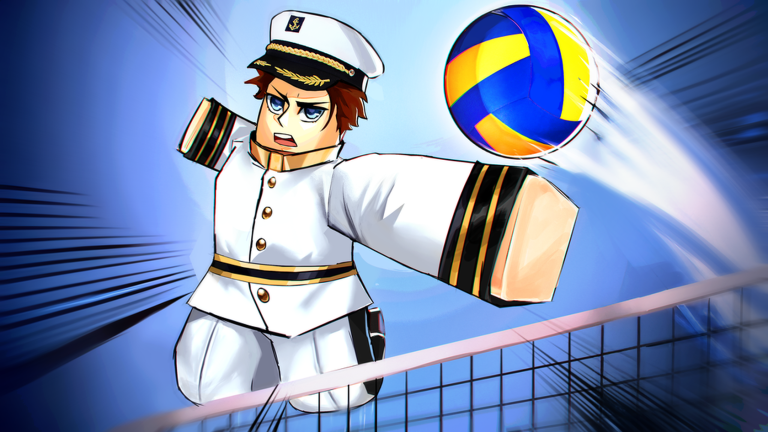
Controls attack height and timing. Set quality, movement, and communication matter more than personal scoring.
Start with Taichou →Libero / receiver
Keeps rallies alive with bump, dive, and court coverage. Positioning before contact is the key skill.
Start with Kumo →Blocker
Reads hitter approach and closes lanes at the net. Jump timing and W/S block tilt shape the rebound.
Compare blocker picks →From the Trello mechanics guide
Core mechanics that decide rallies
Serving
Click once to toss, aim with camera and movement keys, then contact using the power meter. Green is lower power; purple is maximum.
Receiving
Click while grounded to bump. Advanced controls let you lower power for a shorter receive or a fast attack setup.
Setting
Ground Q makes a shorter moderate set. Airborne Q creates a higher, farther jump set. Match height to the hitter's approach.
Spiking and tilt
Contact near the peak of the ball and your jump. W drops faster, S travels farther, and A/D expands the side hitbox.
Blocking
Press Q in mid-air. W tilt pushes the rebound down, S sends it farther, and side tilt increases lateral coverage.
Diving
Ctrl moves the player forward and widens the horizontal receive hitbox while reducing vertical coverage.
Match reference
Court rules in the Trello guide
The board notes that not every rule is enforced automatically in every mode.
- Do not touch the ball twice in succession.
- A serve cannot be spiked or blocked.
- A jump set may receive a serve, but it cannot become an immediate attack.
- A block touch does not remove one of the receiving team's three normal contacts.
- Serve from behind the back line; an airborne contact may carry the player over it.
- Contact outside the antenna is illegal, although an off-court second-touch recovery may be returned legally on the third touch.
Separate from styles
Volleyball Legends abilities
The Trello archive tracks thirteen named abilities. Their best use depends on the role and weakness of the equipped Style.
Utility
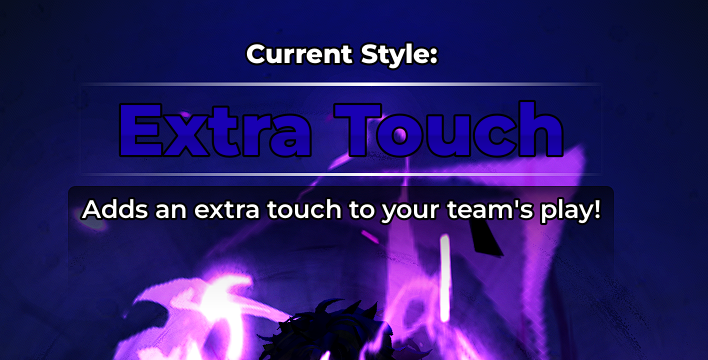
Extra Touch
Adds possession flexibility when a rally breaks down.
Receiving
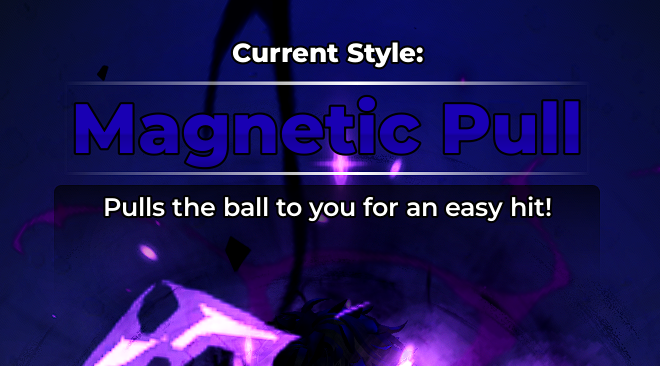
Magnetic Pull
A movement-and-coverage tool for reaching nearby falling balls.
Spiking
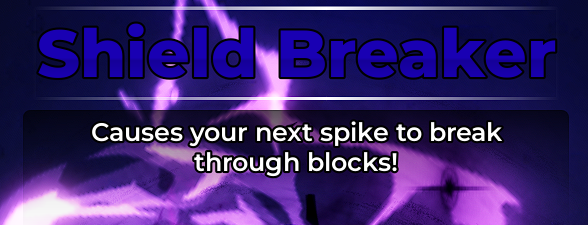
Shield Breaker
An attack-oriented ability for challenging strong blocks.
Spiking
Divine Strength
Power-focused support for aggressive finishing.
Movement
Redirection Jump
Air-control utility for changing an approach or recovery line.
Spiking
Curve Spike
Angle control for attacking around a set block.
Blocking
Steel Block
Net-defense utility for players assigned to close attack lanes.
Setting
Zero Gravity Set
Set-control utility for creating a different attack window.
Receiving
Moonball
A high defensive return that buys the team time to reset.
Movement
Boom Jump
Explosive jump utility for higher contacts at the net.
Support
Team Spirit
A team-oriented ability for coordinated lineups.
Movement
Super Sprint
Court-coverage utility for late saves and transitions.
Receiving
Rolling Thunder
A defense-oriented option listed in the Trello ability roster.
Ability descriptions here are short role summaries; exact values and activation details should be confirmed on the current in-game card.
Open the full abilities guide →Progression and rewards
Other game systems
| System | How it works | What to check |
|---|---|---|
| Practice Mode | Open Play, scroll to Bonus Modes, choose Practice, and press G to spawn a ball on your character. | Current reward screen |
| AFK Servers | A dedicated idle mode that awards Yen and other rewards while the account remains in game. | Current reward screen |
| Season Pass | Daily and seasonal quests progress the pass; earned clovers are used to open its crates. | Current reward screen |
| Style Spins | Normal and Lucky Spins roll style rarity. Limited banners determine which Secret or Evo styles are obtainable. | Banner pool and pity |
| Abilities | Abilities are a separate build layer from Styles and can reinforce attacking, receiving, setting, blocking, or movement. | Role synergy |
| Ball Skins | The Trello archive tracks level rewards, ranked rewards, battle-pass balls, bundles, and event-limited cosmetics. | Availability and season |
Repeatable improvement
Use Practice Mode before ranked.
Open Play, scroll to Bonus Modes, and choose Practice. Press G to spawn a ball on your character, then repeat one mechanic until ten contacts land in the same zone.